A healthcare client arrived with their public-education site already designed and written. Every word had been through medical review and carried an approval code. What they did not have was anywhere to put it.
Our job was the other half: rebuild the prototype as a maintainable site, get it deployed, and make sure that until launch day the only people who could see it were the handful reviewing it.
That last part is where most of the interesting decisions were.
The requirement is stricter than it sounds
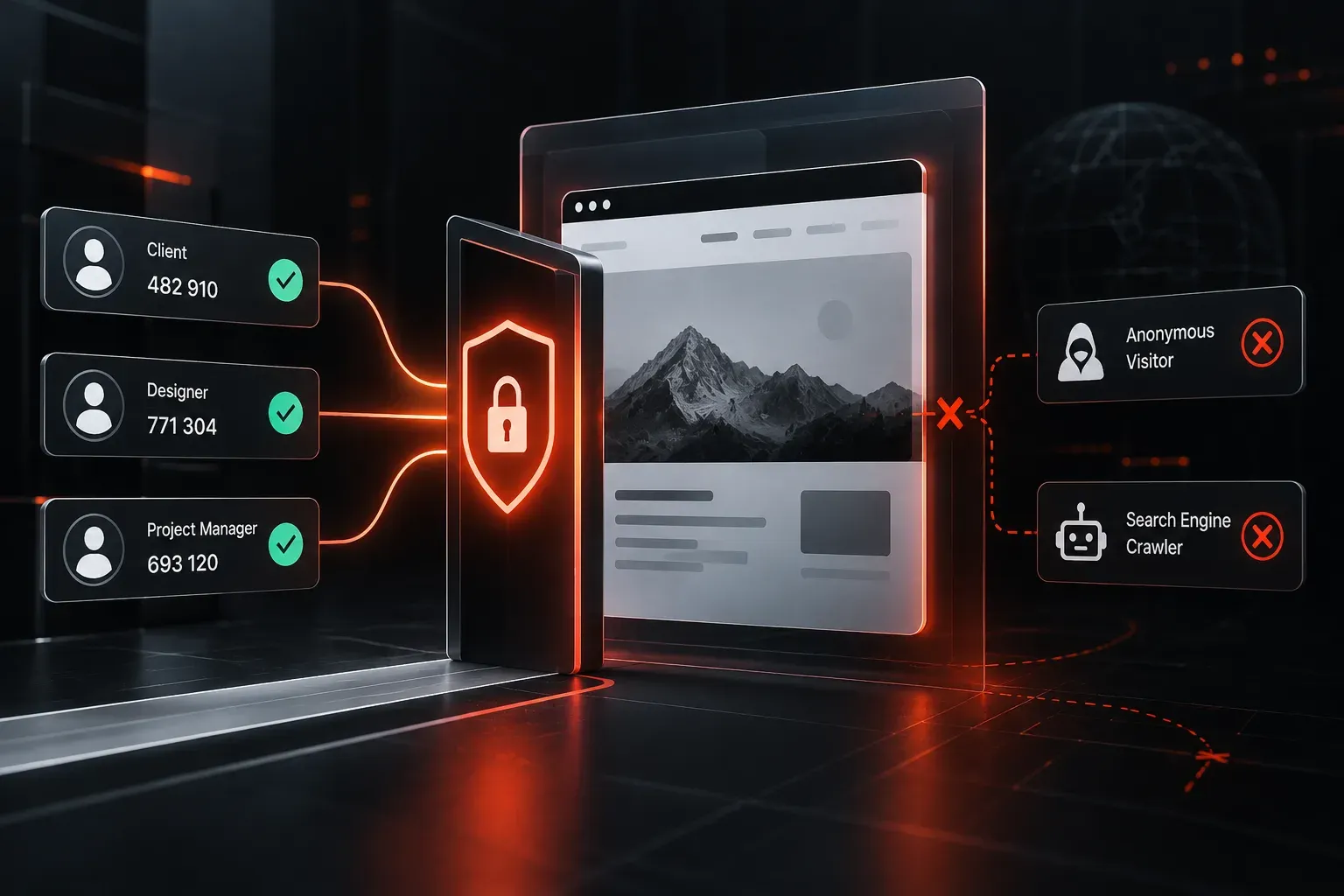
“Not public yet” is really three requirements at once. Named reviewers can reach it. Nobody else can. And search engines never see a single page of it, because an unreleased health campaign appearing in someone’s search results ahead of its launch is a problem no technical fix undoes afterwards.
The usual approaches each fail one of the three.
A shared password gets forwarded. It ends up in an email thread, then in a chat group, then with someone’s agency contact. There is no record of who used it and no way to remove one person’s access without changing it for everybody.
robots.txt is a request, not a control. Well-behaved crawlers honour it. Everything else ignores it, and the file itself politely lists the paths you were hoping nobody would look at.
An unlisted URL is not private. Preview hostnames leak through referrer headers, through link previews generated by chat apps, through certificate transparency logs, and through the ordinary human act of pasting a link into the wrong window. Obscurity is not access control, and you never find out the moment it stopped working.
Identity at the edge
What we used instead is Cloudflare Access. The check happens at the network edge, before a request reaches the site at all. An unauthenticated visitor does not get a page to poke at, and a crawler never receives a 200 to index.
Reviewers are listed by email address. Each one gets a one-time code sent to that address, so there are no accounts to create and no passwords for anyone to store or share. Adding a reviewer is one line. Removing one is deleting that line, and it takes effect immediately rather than at the next password change.
The site behind it stays completely ordinary. No plugin, no login page bolted onto the front end, no code in the build that knows anything about access at all. Which matters, because it means launch day is a policy change and not a deployment.
The part nobody mentions
Access blocks your tooling too.
Anything automated that hits the site gets bounced to the login screen: uptime monitors, link checkers, performance audits, and any script of your own that expects to fetch a page. This is not a flaw, it is the feature working, but it does mean the routine checks have to happen before the policy goes on, or through a credential issued for machines rather than people.
Worth knowing in advance. It is a confusing ten minutes if you meet it for the first time while trying to work out why a page that loads perfectly in your browser returns a login redirect to everything else.
Launch is a subtraction
When the site goes live, nothing about it is rebuilt or moved. The policy comes off, and the same files that the client has been reviewing for weeks are the ones the public gets. Nothing is promoted from a staging copy to a real one, because there was only ever one copy.
That is the quiet advantage of putting the gate at the edge rather than inside the site. The thing you tested is the thing you shipped.
We do builds and deployments of this kind as project work, and keep sites patched, monitored and backed up afterwards on a Care Plan. If you have a site that needs to exist before it is allowed to be seen, get in touch.